Choosing a TMS: the checklist
You use a TMS every day, at the office and in the cab. The wrong choice costs you time for years. With this checklist you compare systems on what matters in practice.
1. Start with the way you work
Write down first what your runs really look like, before you look at software. Is unloading done on a different day than loading? Do you work with week orders, subcontractors, follow-up orders or regular customers with their own rates? Distinguish between what you really need and what is nice to have.
2. The planning
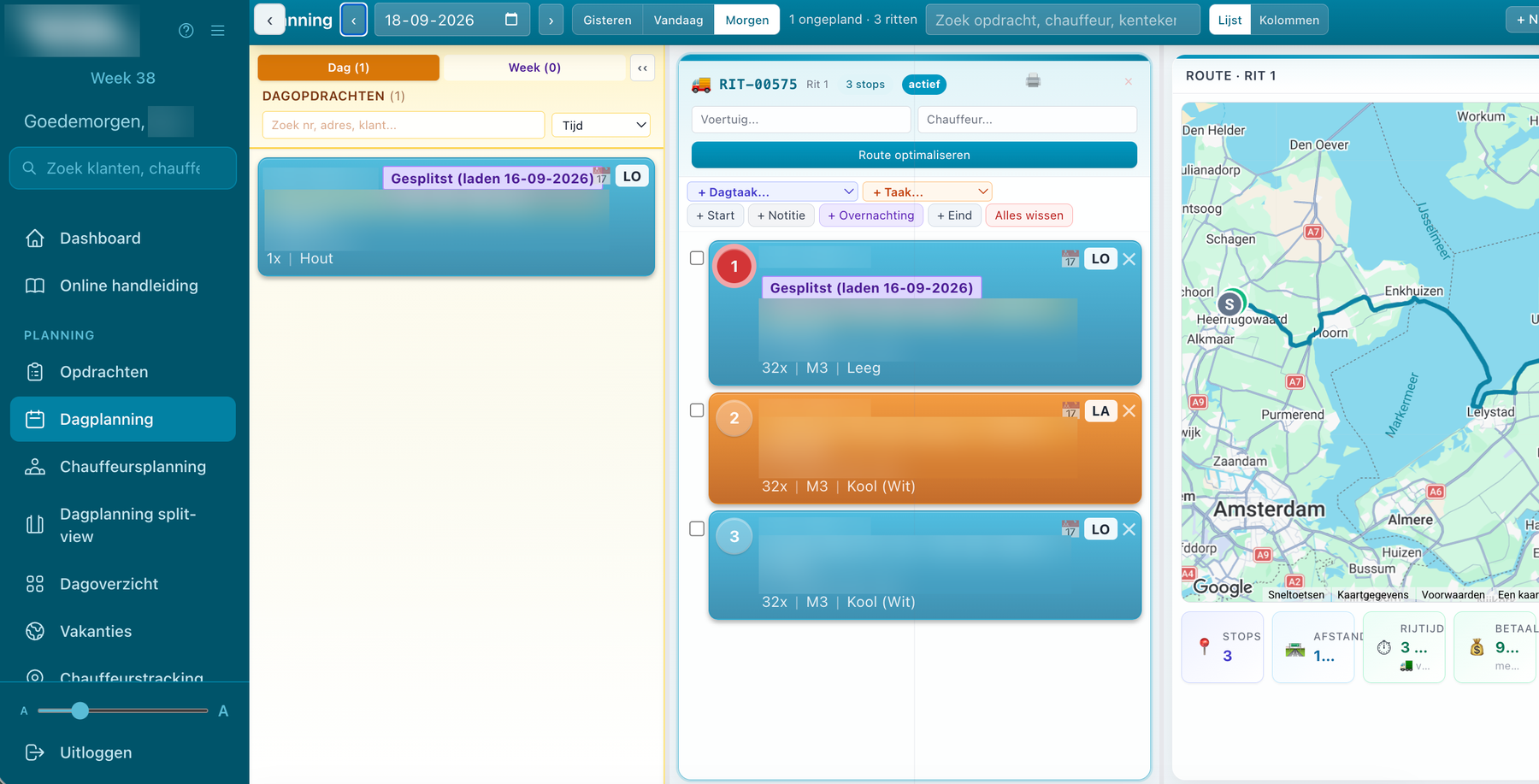
- Dragging: can you drag orders to a run, and move them within and between runs?
- Live: do fellow planners and drivers see a change immediately?
- On the road: can you plan when you are not behind your desk?
- Subcontractors: can you direct subcontractors just like your own drivers?
- Route: does the system work out kilometres and driving time for a truck?
3. The driver app
- Apple and Android: does the app work on the phones your drivers already have?
- Simplicity: can a driver work with it without explanation, with large letters too?
- Automatic: is arrival registered by itself, or does the driver have to tap everything?
- Changing things himself: can the driver make a change himself, or does he have to call?
- Navigation: can he use his own navigation app?
4. Consignment notes and documents
- Signing digitally: at loading and unloading, with time and location.
- Scanning: can a paper consignment note be added neatly to the order as a PDF?
- Emailing automatically: does the customer get the consignment note by itself, and do you see whether it arrived?
5. Rates, invoicing and bookkeeping
- Rates: per customer, per kilometre, per hour, with a diesel surcharge.
- Invoicing: completing per day and collective invoices per week or month.
- Link: does the system connect to your accounting package?
6. Hours and pay
- Day sheet: does the driver record his working day in the app?
- Checking: can the office correct hours before they go to the payroll?
- Surcharges: are hours split into overtime, weekend and night?
7. Customers
- Portal: can customers submit their own orders, if you want that?
- Status: do they see for themselves how far along their order is?
- Documents: do they pick up consignment notes and invoices themselves?
8. Introduction and support
- No installation: does the office simply work in the browser?
- Logging in: how do drivers and customers log in, and is that secure?
- Help: is there a manual in the system, and can you call someone?
- Custom work: can the system be adapted to the way you work?
- Demo: does the supplier show it with your own kind of runs?
How VYS TMS fills in this list
VYS TMS is built from practice, by developers who come from the haulage world themselves, and you can see that in this list. It has a live planning board, planning from the app, subcontractors in the same app, automatic arrival registration, digital and scanned consignment notes, rates with a diesel surcharge, daily invoicing, time recording with surcharges, an optional freight portal and custom work in consultation. See all features, or request a demo with your own runs.
Questions about choosing a TMS
How long does it take to move to a new TMS?
That depends on how much data you bring along and how many people will work with it. Ask the supplier for a concrete plan for your situation.
What do I ask during a demo?
Show a few of your own awkward runs, such as loading and unloading on different days or a subcontractor, and ask how the driver and the customer see it.
Does the TMS have to connect to my bookkeeping?
It saves a lot of work. For haulage VYS TMS connects to Björn Lundén; for other packages you can get in touch.
More about VYS TMS
What is a TMS?
A TMS brings the orders, run planning, consignment notes and invoicing of a haulage company together in one system. What it does and what it brings you.
Transport software
Transport software for small and mid-sized haulage companies: orders, planning, driver app, consignment notes, invoicing and payroll hours in one system.
TMS for the small haulage company
VYS TMS is made for small and mid-sized haulage companies: planning at the office or on the road, self-employed drivers, subcontractors and invoicing without fuss.
See how it works with your own runs?
VYS TMS is built from practice, by developers who come from the haulage world themselves. We are happy to show it, from order to invoice, and to think along about custom work for the way you work.